Dependency graph
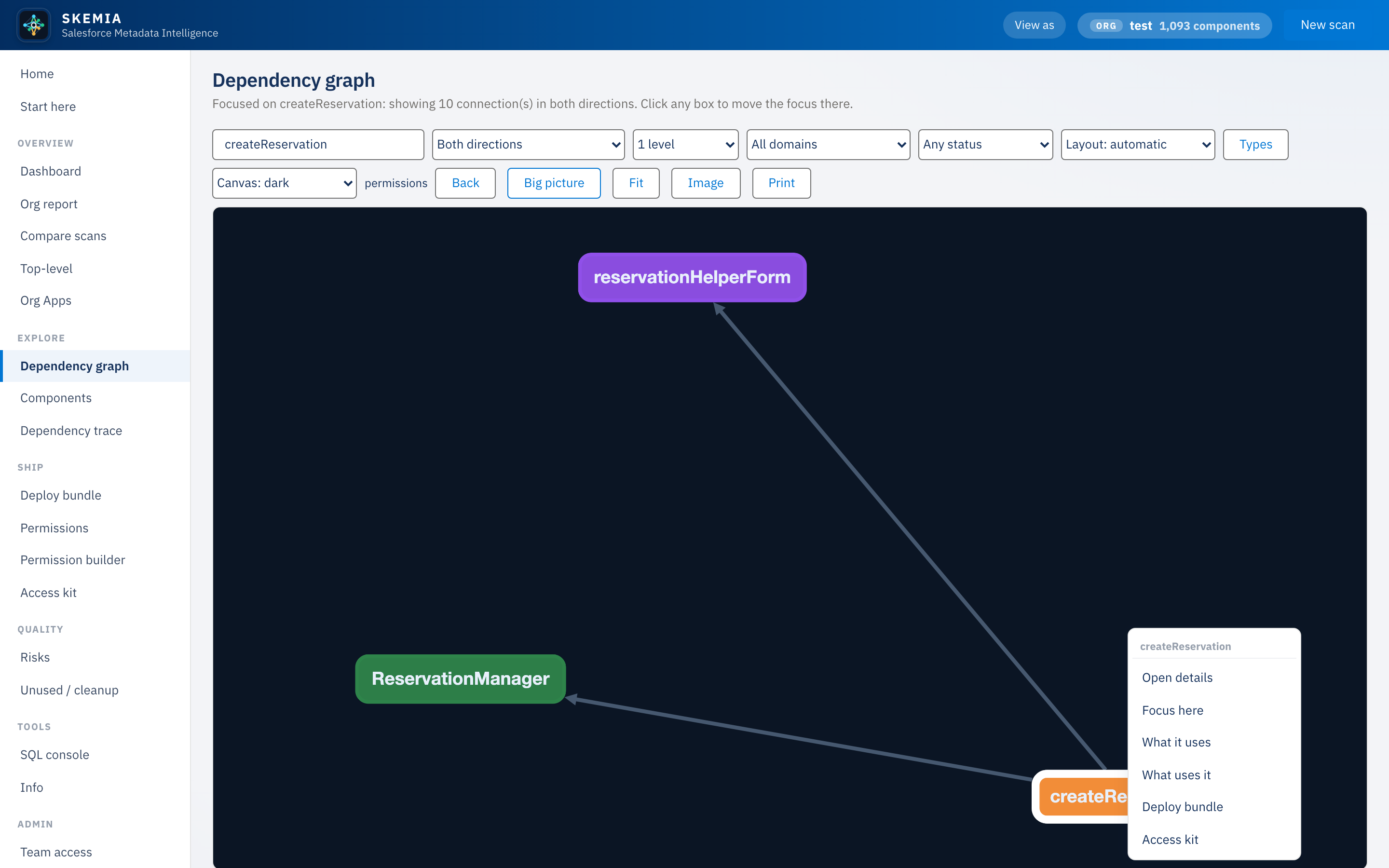
The interactive map of the whole org. Focus any component to see its neighbourhood, lay it out different ways, filter the noise, and right-click any node to act on it.
Focus and explore
Type a component to focus it and see its dependency neighbourhood: what it uses and what uses it. Hover for detail, click to move the focus, and step back to the big picture of the whole org.
Layouts and contrast
Force-directed, top-down flow, left-to-right flow, mind map, circle, or grid. Switch the canvas to light, soft, or dark for the room you are presenting in. Drag any node to arrange it, then Fit to frame everything.
Filter the view
Hide the noisiest types (custom fields and objects) by default, and bring them back when you need them. Filter the big picture by status, and, for a git-backed scan, by who last changed a component and when.
Right-click navigation
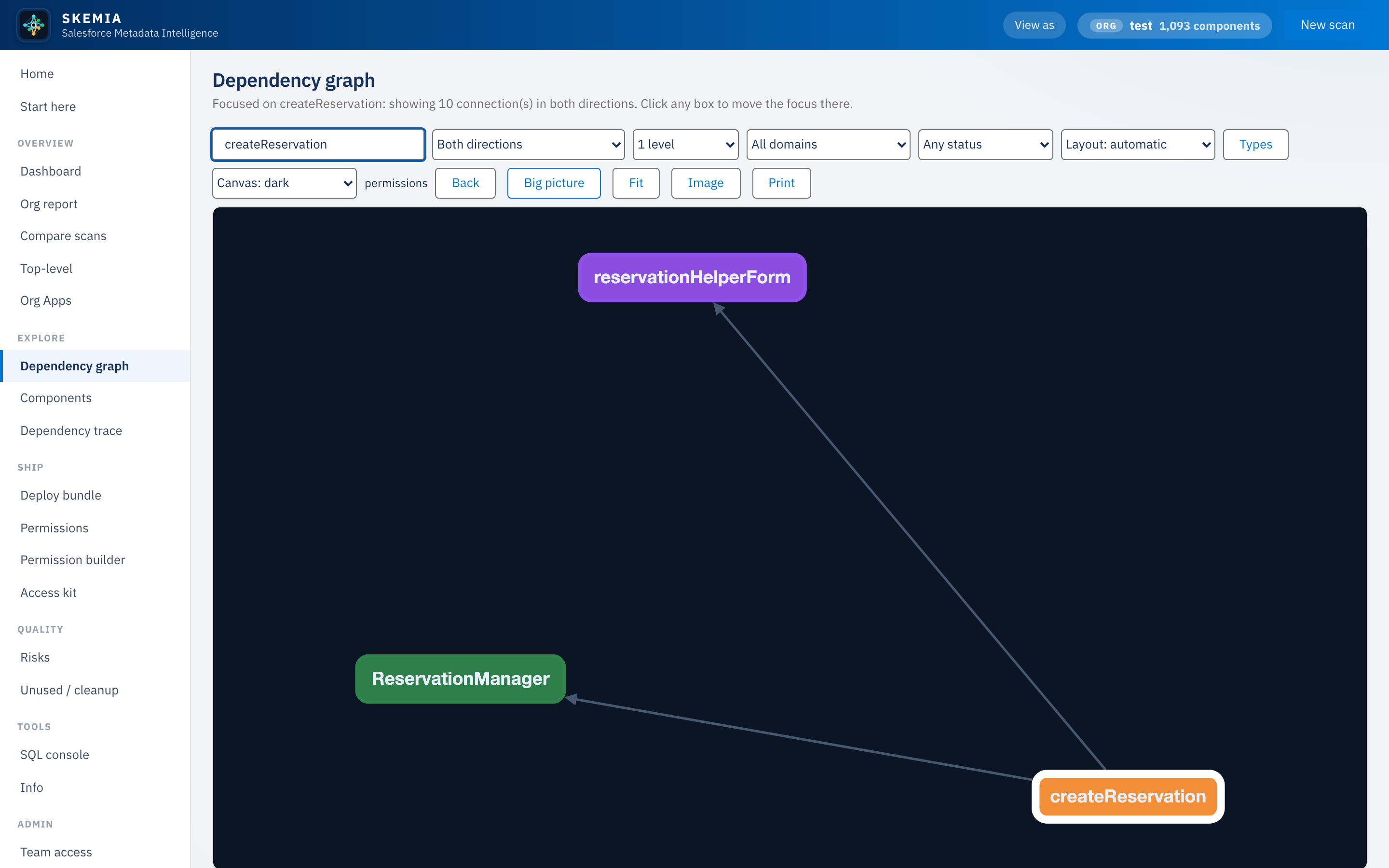
Right-click any node to jump to the views that act on it: open its details, trace it upstream or downstream, build a deploy bundle, or derive its access kit.